What is an e-ticket?
An electronic ticket for a plane is much more convenient than a paper one. Today, on the Kupi.com Blog, we will tell you in detail what it looks like and how to use it.

What an e-ticket looks like
An electronic ticket is a document that we send to your email in PDF format after an online purchase on our website. Inside, you'll find all the information needed for your flight.
- Name of passenger — the client's first and last name in Latin letters. Gender is indicated by MR (male) and MRS/MSS (female).
- From/To — departure point and arrival destination.
- Stopover — layover information.
- Carrier — airline code.
- Flight — flight number.
- Class — flight class. A Latin letter indicates the class of service: F, P, A — first class; C, D — business class; Y — economy class. The class may be indicated by different letters in different airlines.
- Date — day and month of departure.
- Time — flight time.
- Status — booking status.
- Fare basis — fare. It is indicated by the abbreviations NVB/NVA, which mean "Not valid before/Not valid after".
- Fare calculation — fare calculation. It is used to determine the e-ticket price.
- Fare — fare in the currency accepted in the country of departure.
- Origin/Destination — points of departure and arrival.
By the way, in our app, you don't need to download your electronic ticket: it's available in your Personal Account even offline.
Do you need to print an e-ticket?
In short — no. In most cases, it is only needed for the passenger to view all important flight information.
The electronic ticket is stored in the airline's database. Therefore, you simply present your passport at the check-in counter and receive your boarding pass. That's all.
However, as experienced travelers, we won't sugarcoat it: sometimes a printout might still be needed. This is not related to airport or airline rules. It's just that unforeseen situations sometimes occur where a printout can be useful. For example, when:
– your flight is canceled or delayed;
– you need to confirm your departure to enter a country;
– in some countries, like India, tickets are requested at the airport entrance.
Therefore, it's safer to print your electronic ticket and take it with you. After all, traveling smart means being prepared for anything.
How to check in for a flight with an e-ticket
You can check in for your flight in three ways.
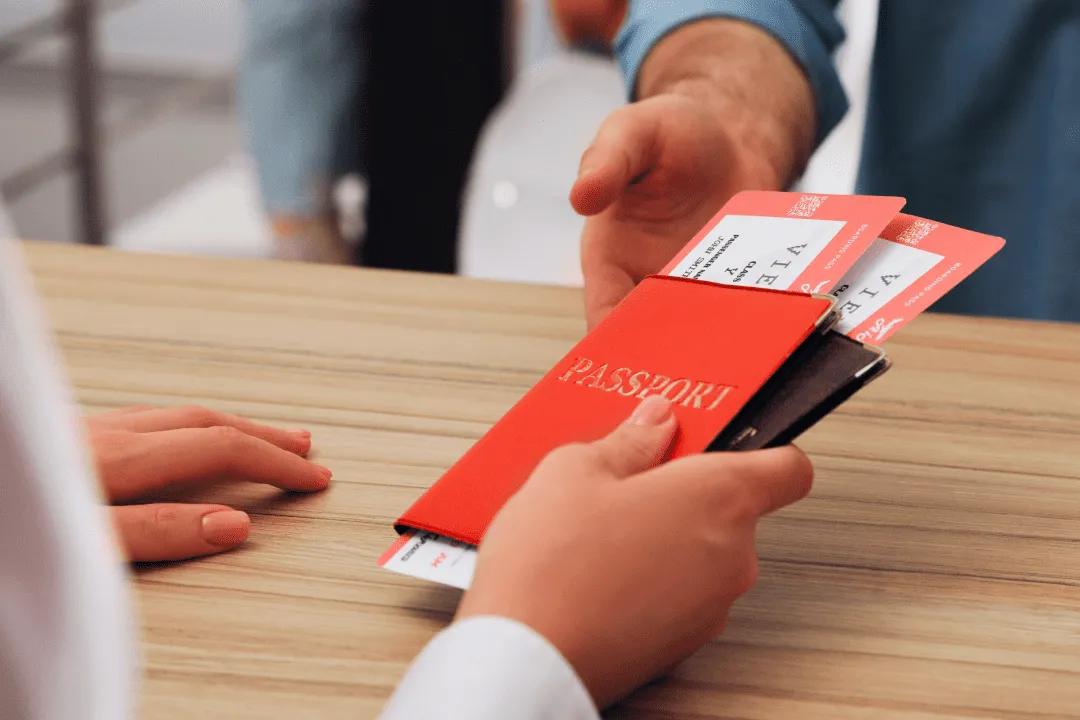
At the airport at a self-check-in kiosk
A self-check-in kiosk is a special terminal where you enter your last name and ticket number. After that, you can choose your seat on the plane and get your boarding pass. If you have a suitcase, you can easily drop it off at the baggage drop-off counter.
At the check-in counter
Check-in at the counters opens two to three hours before the plane's departure. An airline employee enters your passport data into the system, finds your booking, and issues a boarding pass for a direct flight (or all passes at once if you bought tickets with a layover). If you are at the airport for the first time, don't worry: staff will definitely tell you how to find the check-in counters.
Sometimes, at the check-in counter, visas and return tickets are checked if required by entry rules.
Online
The easiest way to check in. 24 hours before your flight's departure, you will receive a notification from the airline by email with an offer to check in for your flight. There are exceptions: for example, Wizz Air opens check-in 30 days before departure.
This type of check-in is perfect if you don't want to arrive at the airport early and stand in a long queue. We provide an "Online Check-in" service: our specialists will check you in 24 hours before departure and send your boarding pass to your email. Arrange "Online Check-in" with us and make your trip more comfortable.
How to check an e-ticket
If you made a purchase with us, you can check all ticket information at any time online through your Personal Account or the "Where is my ticket" section on the website. You can also check the ticket status through the website of the airline you will be flying with.
Here's how to do it yourself:
- Find the booking code on your ticket. It may be designated differently by various airlines: booking number, Booking reference, Reservation code, PNR, Confirmation number.
- On the airline's website, go to the "Check Booking" section. Foreign carriers refer to it as Find my booking, View reservations, Manage booking.
- Enter the requested data. Usually, this is your last name and booking number.
How to refund or exchange an e-ticket
If you bought a plane ticket at the airport ticket office, you need to return it there. With an electronic ticket, everything is simpler: any operations with it can be done online. The possibility of refund/exchange depends on the airline's rules. Please pay attention to them when purchasing.
As a rule, if you have an expensive ticket, you can change the departure and arrival dates, return it, and get a full refund. Most inexpensive tickets are non-refundable or are refunded only with a penalty fee. Some carriers allow even non-refundable tickets to be returned free of charge if you have a valid reason and documentary proof: for example, if you fell ill. You can find out the rules for return or exchange from us, on the airline's website, and in the itinerary receipt.
Did you buy from us? Contact our Customer Care Service through your Personal Account on our website or in our mobile app — we will help with returns or exchanges. By the way, with our "Kupi.com.Return" service, you can even return a non-refundable ticket. It works like this: you purchased the service, but couldn't fly; we will refund part of the ticket cost in rubles, and part in points that can be spent on your next trip.

How to report to accounting
Super easy.
Essentially, accounting needs proof that you bought a plane ticket. For this, you only need two documents:
1. Itinerary Receipt
It is needed to confirm the cost of your trip. You can easily find the itinerary receipt after purchase in the emails sent to your specified email address.
2. Boarding Pass
It will be required to confirm the trip. It is issued after checking in for the flight.
According to the letter from the Ministry of Finance of the Russian Federation dated 27.09.2021, these documents can be provided in both electronic and paper form for accounting purposes.
We wish you the most enjoyable travels without unnecessary adventures!