Where can I download my itinerary receipt?
There are 3 ways to download your itinerary receipt:
From the email from Kupibilet sent to the email address you provided when purchasing the ticket. The itinerary receipt will arrive within 15-20 minutes after purchase.
In your Personal Account. Your login details for the Personal Account were sent to you in the very first email from Kupibilet. Or use our instructions to find your Personal Account and recover your password.
On the Kupibilet website, without logging into your Personal Account:
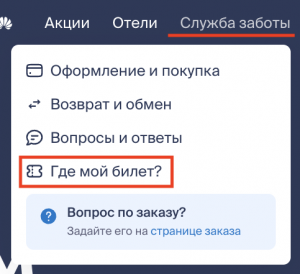
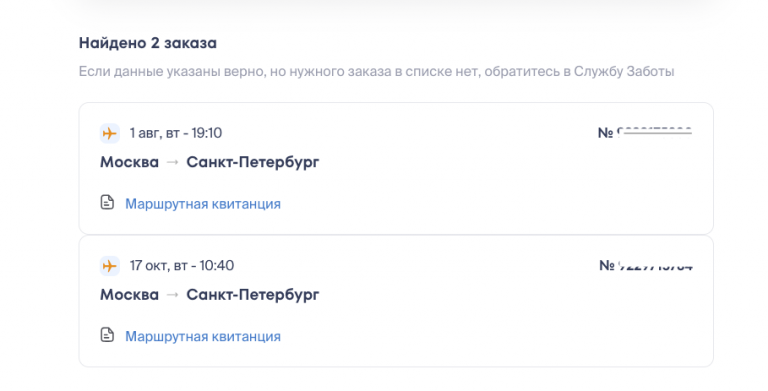
In the Care Service section, select "Where's my ticket?". Enter the phone number and the series and number of the passenger's document, as specified when placing the order, without spaces. Click Find — a list of your orders with upcoming flights will appear. Select the desired order and download the document by clicking Itinerary Receipt. If the desired order is not in the list, but the data is entered correctly, please write to our chat, and we will help you with the search: