How to log in to your personal account?
Here's how to log in to your Personal Account on Kupibilet.
On the website
1. In the top right corner, click Log in:
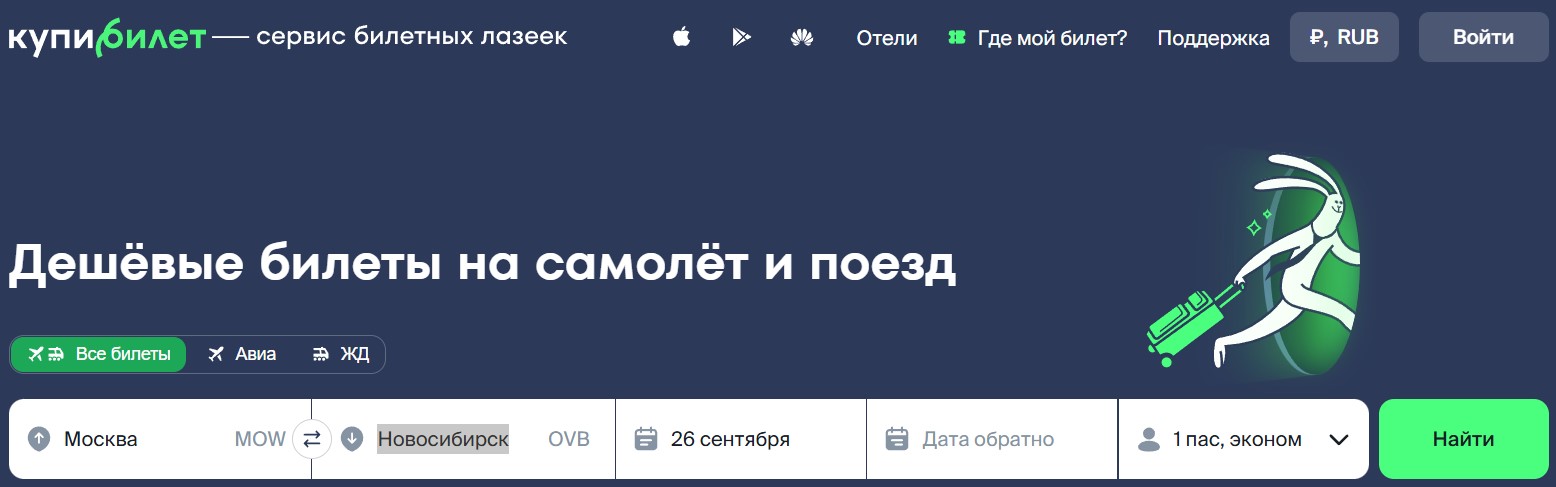
2. Enter your email, password, and click Log in. If you have VK, Google, or Apple ID accounts, you can log in with one click by clicking on the service icon below the "Log in to site" text.
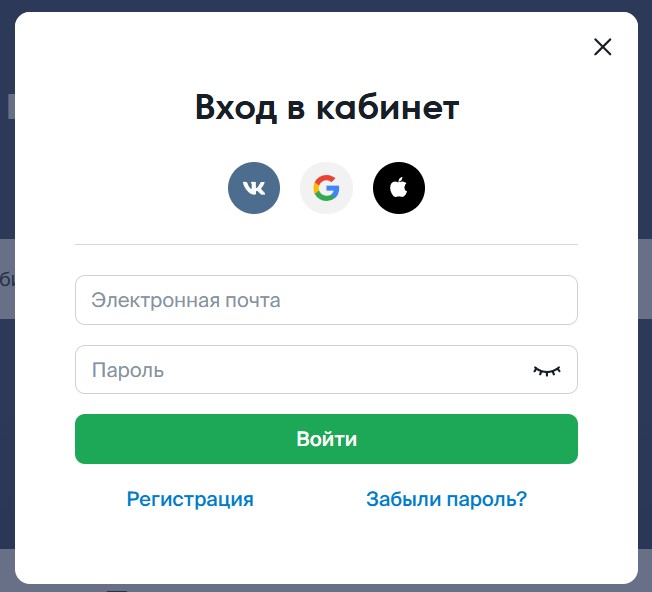
If you don't have a Personal Account, you can create one by clicking the Registration button. Detailed instructions on how to create a Personal Account can be found in this article.
If you forgot your password, you can restore it by clicking Forgot password?.
3. In the top right corner, click the user icon, then Orders:
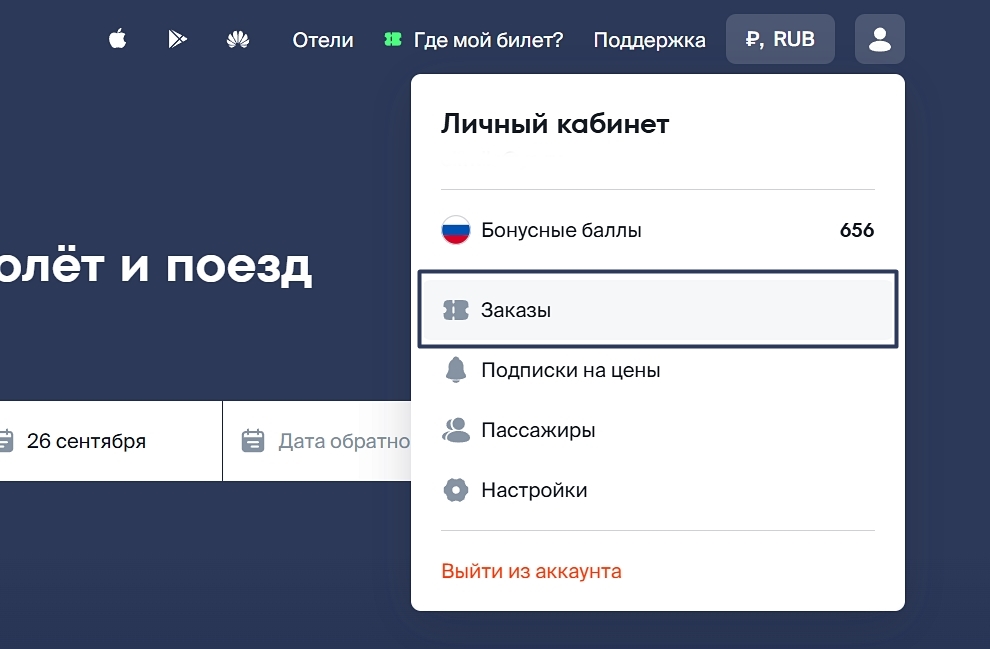
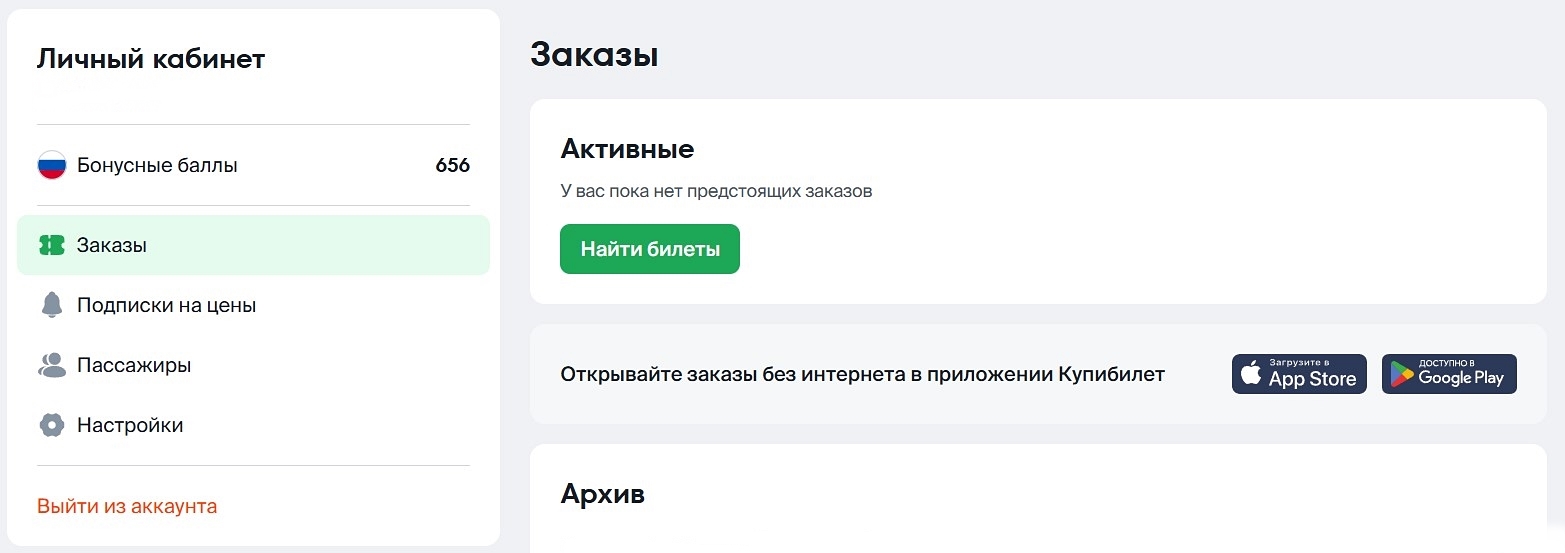
Hooray, you're in your Personal Account!
On the website from a mobile device
1. In the top right corner, click the "door" icon:
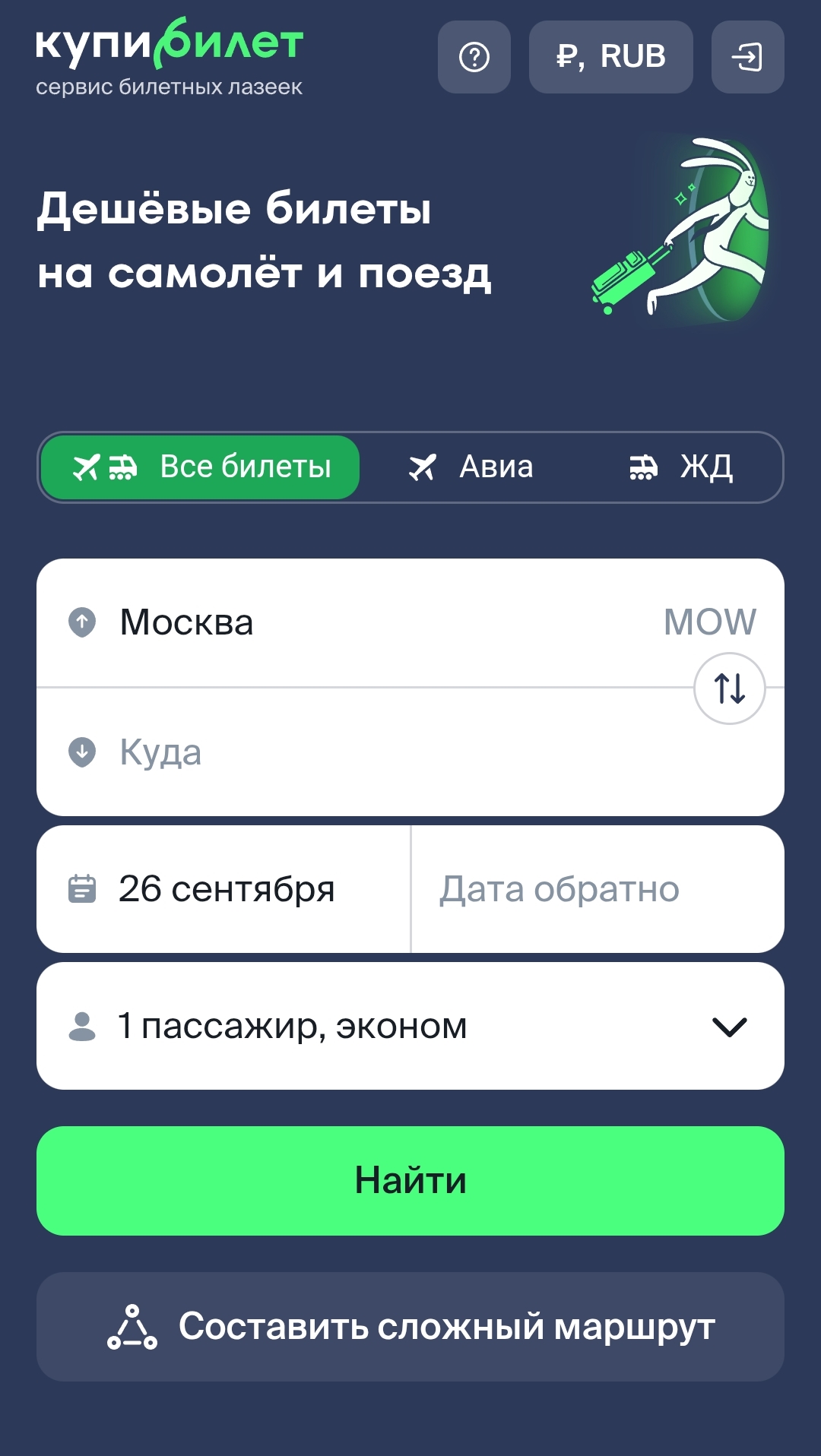
2. Enter your email, password, and click Log in. If you have VK, Google, or Apple accounts, you can log in with one click by clicking on the service icon below the "Log in to site" text.
3. In the top right corner, click the "person" icon. Select Orders.
Hooray, you're in your Personal Account!
In the app
1. At the bottom of the screen, click Account.
2. Click Log in.
3. Enter your email and password, then click Log in.
If you have Apple, VK, or Google accounts, you can click Other methods, click on the desired account, and log in without a username and password.
Hooray, you're in your Personal Account!