Where can I view my orders and order details?
On the website
1. Go to your Personal Account.
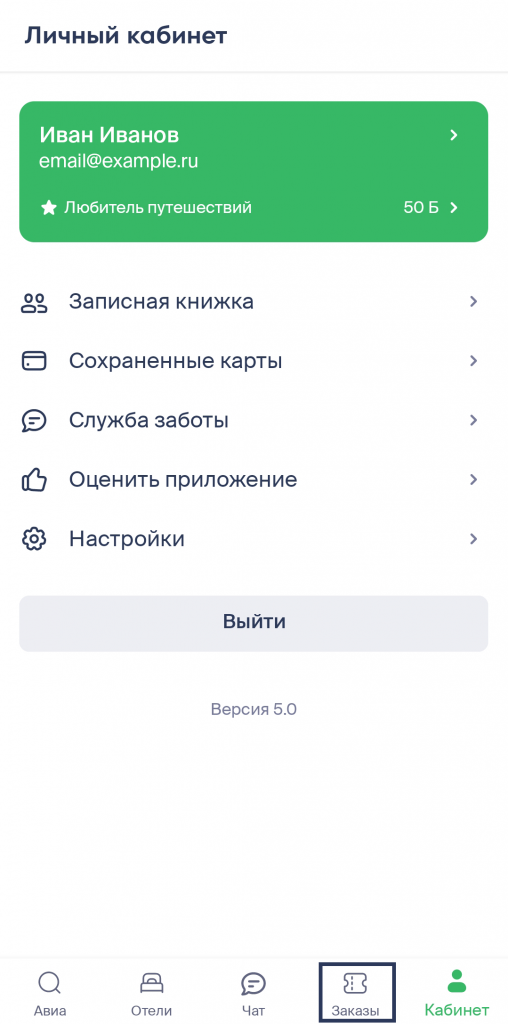
2. Go to the Orders tab — there you will find all tickets you have booked and reserved. In the mobile app, the Orders tab is located at the bottom of the screen next to the Personal Account tab.

3. To view order details, click on the order card.
In the app
1. Go to your Account.
2. Go to the Orders tab — there you will find all tickets you have booked and reserved. In the app, the Orders tab is located at the bottom of the screen next to the Personal Account tab.
3. To view order details, click on the order card.