How to change your password?
On the website
1. Go to your Personal Account.
2. Go to the Settings tab.

3. Scroll down the screen and find the Change password block.
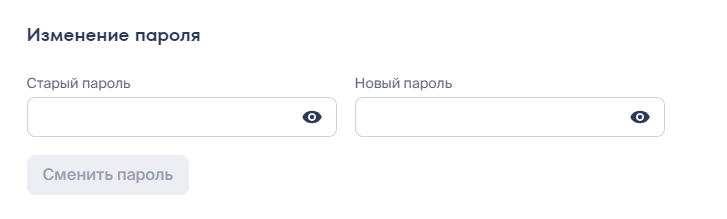
4. Enter your old password, and in the adjacent form, enter the new password you wish to change to.
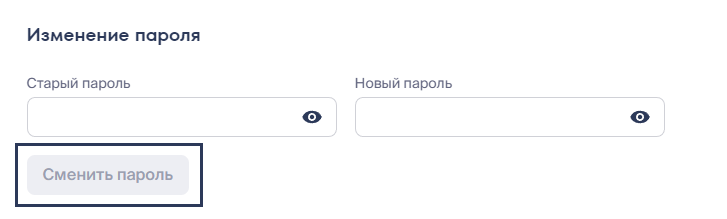
5. Click Change password.
In the app
1. Go to your Personal Account.
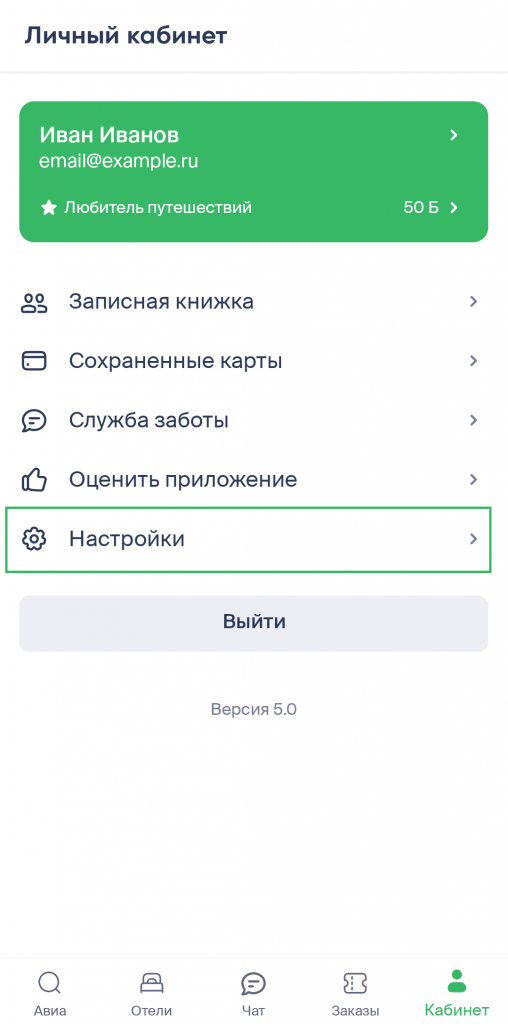
2. Go to the Settings tab.
3. Scroll down the screen and find the Change password block.
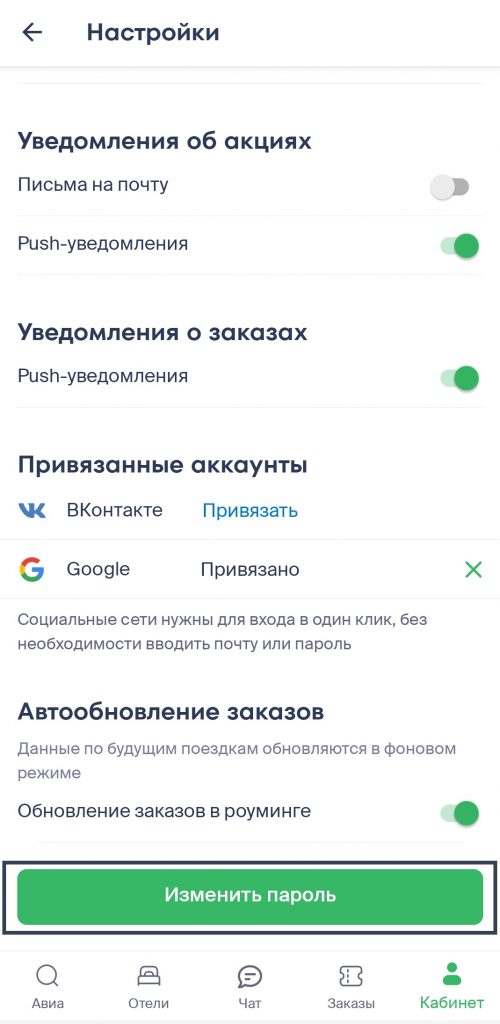
4. Enter your old password, and in the form below, enter the new one you wish to change to.
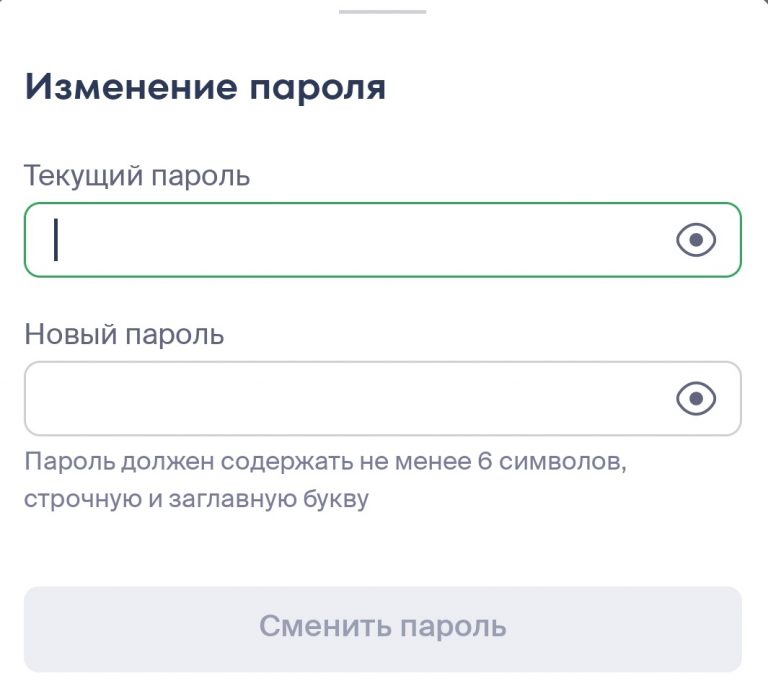
Please note:
the password must contain only Latin letters;
the password must be at least 6 characters long;
the password must contain at least one lowercase letter, at least one uppercase letter, and at least one number.