How to save/delete a bank card?
Save Card
On the website
1. Go to your Personal Account.
2. Go to the Settings tab.

3. After the Personal Data block, find the Saved Cards block.
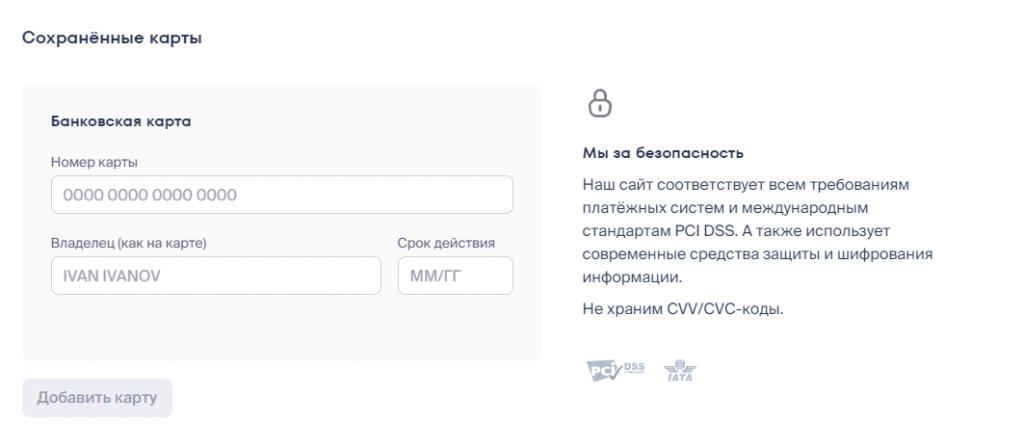
4. Enter the details according to your bank card.
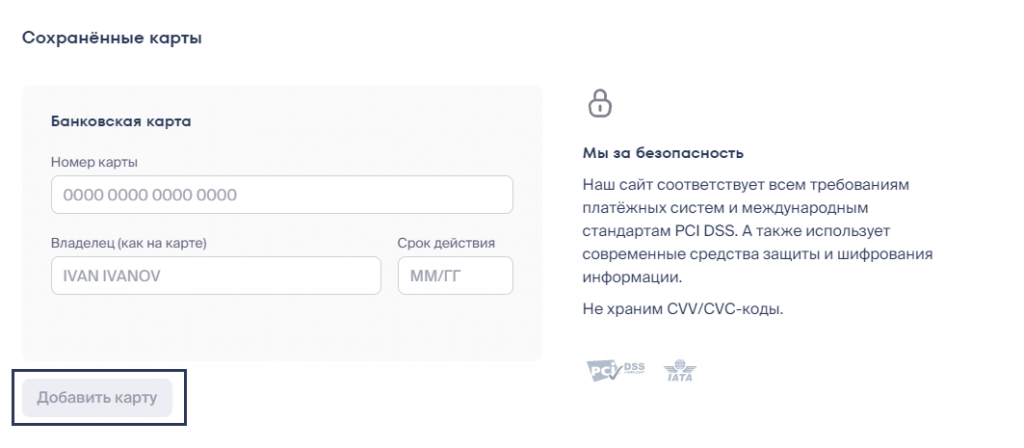
5. Click Add Card.
In the app
1. Go to your Account.
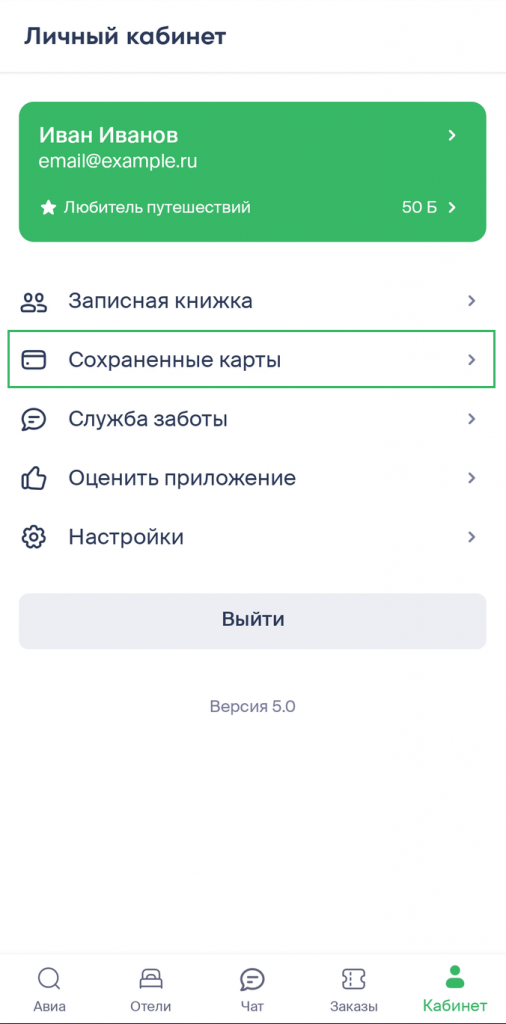
2. Go to the Saved Cards tab.
3. Click Add Card and enter the details according to your bank card.

4. Click Add Card.
Delete Card
On the website
1. Go to your Personal Account.
2. Go to the Settings tab.

3. After the Personal Data block, find the Saved Cards block.
4. Hover over the card you want to delete and click the trash can icon that appears on the right.

In the app
1. Go to your Account.
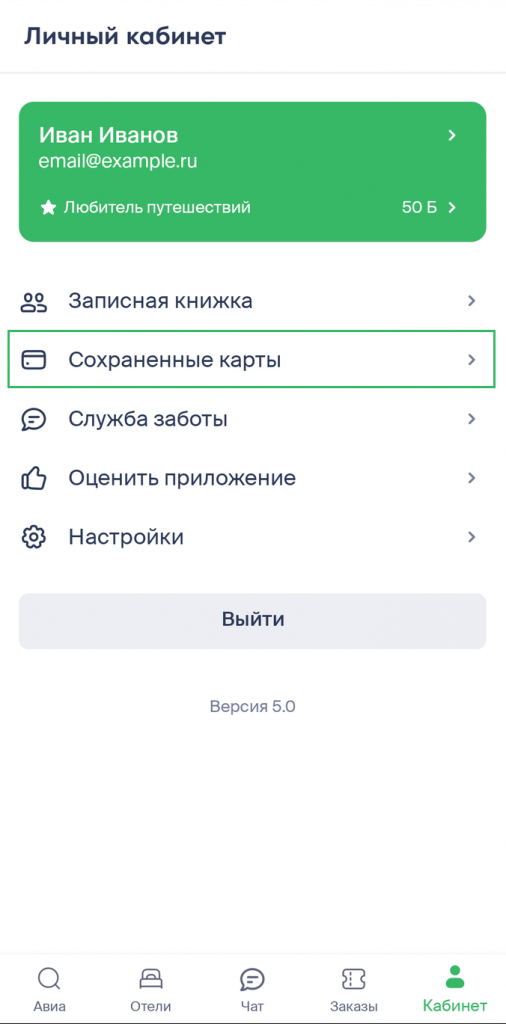
2. Go to the Saved Cards tab.
3. Go to the bank card page you want to delete by tapping on it.
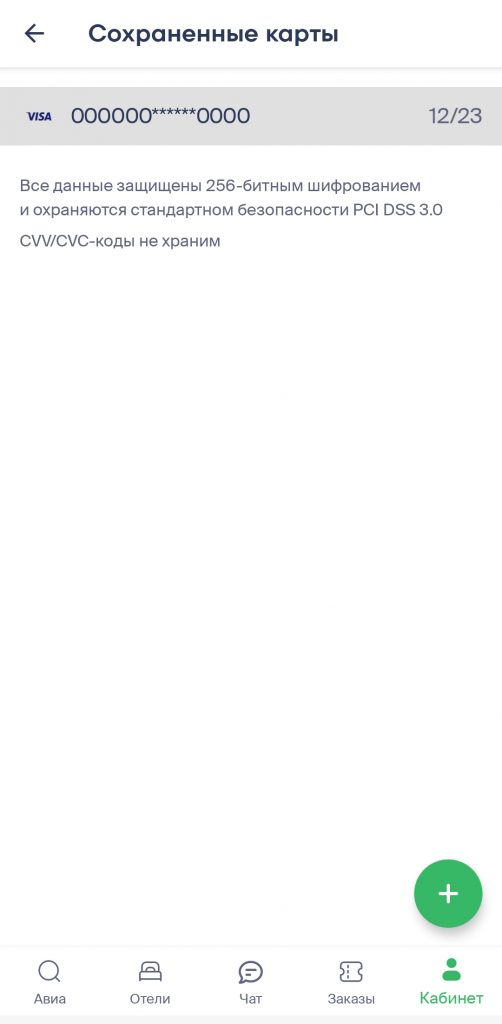
4. In the window that appears, select Delete Card.