Why Turn on Airplane Mode on a Plane
Everyone who has ever flown on a plane has heard this phrase: “Please turn off your mobile phones or switch them to airplane mode.” The question arises, why a hundred people in the sky cannot keep their smartphones on.
In this article, we will tell you what airplane mode is on a phone and why turning it on is the best idea not only for the crew but also for the traveler. Let’s fly!
What is Airplane Mode
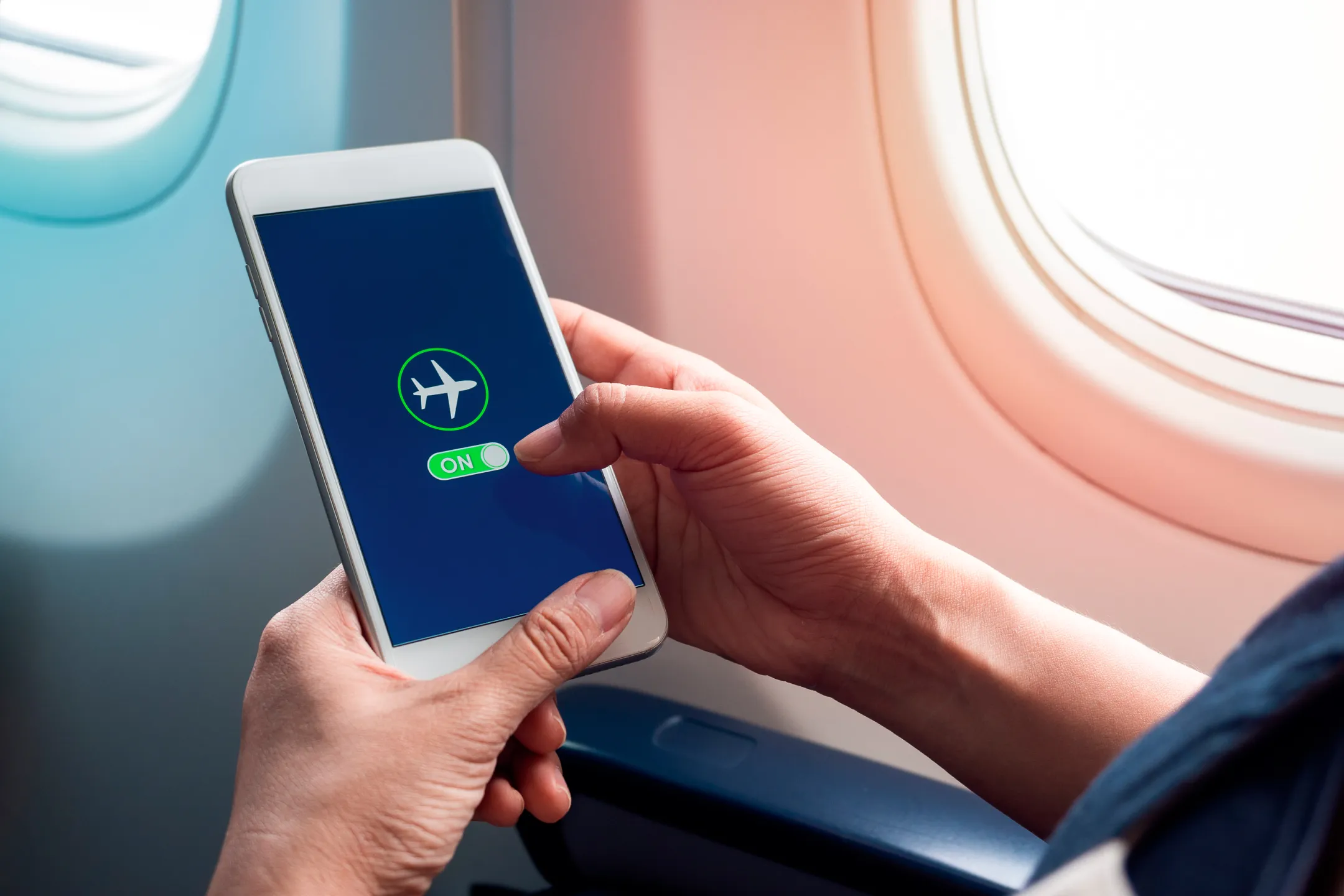
Airplane mode is a special function in smartphones and laptops that allows you to turn off the transmission and reception of all signals with one button. Signals include cellular, Wi-Fi, Bluetooth, and GPS. So why turn on airplane mode on a plane?
Initially, this mode was created to avoid interfering with the onboard computer and the entire aircraft system. The function is available on any smartphone or laptop, but it may be called differently: “in airplane mode”, “flight mode”, “airplane mode”.
Currently, some airlines allow gadgets to be turned on onboard, but you can only find this out on the plane or by contacting the airline in advance.
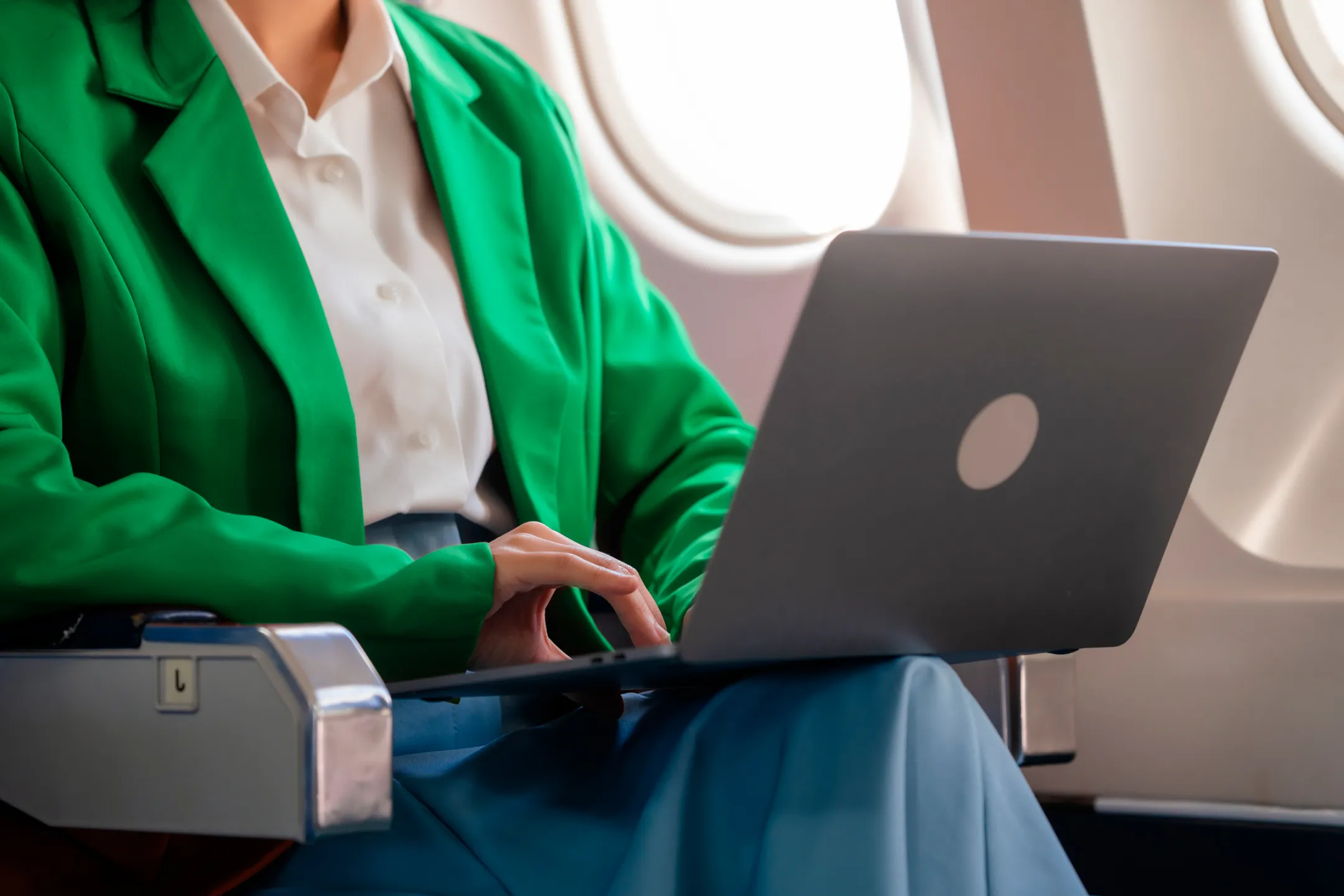
Why Turn on Airplane Mode on a Plane
Travelers are asked to turn on airplane mode because the chances of gadgets interfering with the onboard computer are incredibly small, but they still exist. Moreover, gadgets are now asked to be put into flight mode primarily for the convenience of the passengers themselves. For example, to avoid disturbing fellow passengers with calls to mom during takeoff and landing.
What else is airplane mode on a phone for? Among the less obvious advantages, it’s worth noting that gadgets in airplane mode use battery power much more economically. This is because transmitting and receiving signals consumes a lot of energy. And when they are turned off, you retain all the remaining resources of your device. And a power bank won’t be needed on the plane!
Life hack. Before your flight, download music, a movie, or a book to your gadget. This way, you definitely won’t get bored if you can’t fall asleep. And you won’t need wireless networks for music — everything will already be on your device.
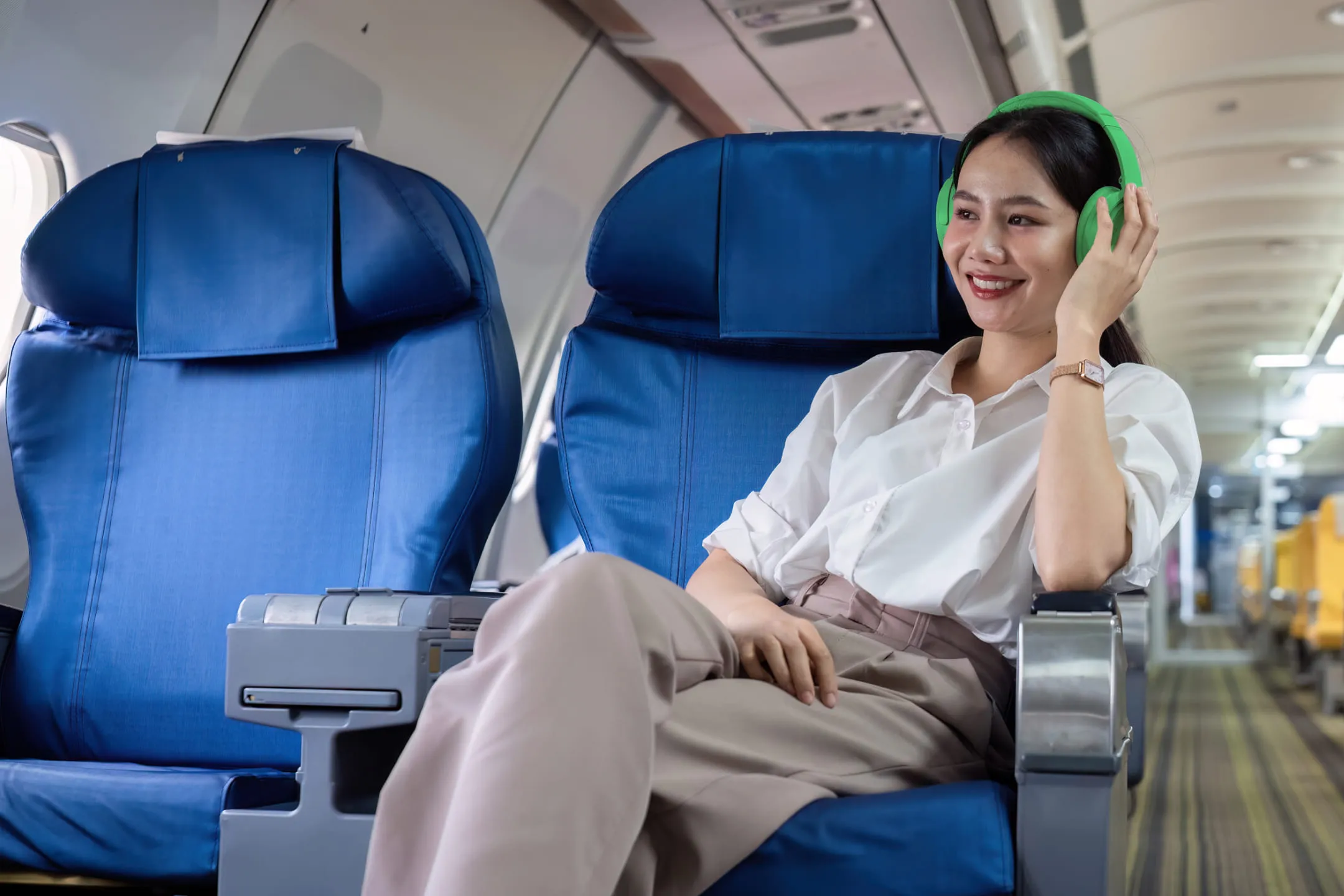
How to Turn on Airplane Mode on a Computer
Can you take a laptop on a plane? The short answer is yes. It’s another matter that using it during the flight isn’t very convenient, though it depends on the person. If you want to spend your flight working — who are we to stop you?
Computers currently run on two systems: Windows and Mac. They differ significantly from each other, so turning on airplane mode will be done differently on each.
On both Windows 10 and 11, airplane mode is turned on super simply:
- Go to ‘Start’;
- Select ‘Settings’;
- Then click ‘Network & Internet’;
- Click the button with the airplane icon ‘Airplane mode’.
With Mac, the story is a bit more complicated. Unfortunately, Apple manufacturers haven’t yet created one super button that turns on airplane mode on laptops. But the trick is that of all the signals that can cause interference, the strongest one is simply absent on Mac. We’re talking about the GSM/3G radio signal.
Therefore, we don’t turn on airplane mode on a Mac system, but to save battery, we disable Wi-Fi and Bluetooth. This can be done from the top bar of your laptop or with one click in the system settings search.
How to Turn on Airplane Mode on a Phone
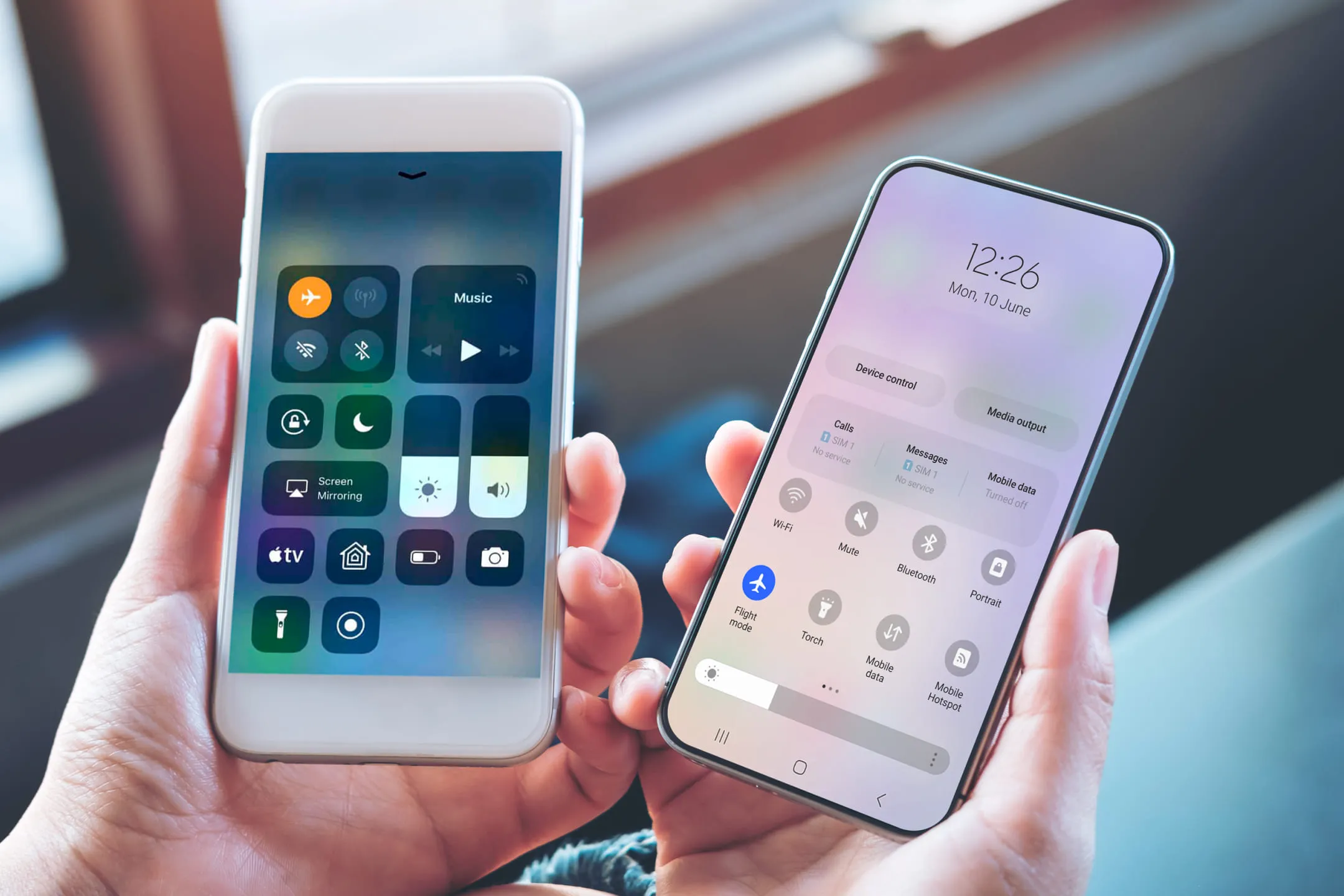
On phones, thanks to technology, turning on airplane mode is much simpler. Depending on your gadget’s system (iOS/Android), airplane mode is activated in different places. But it’s always with just one tap.
On iPhones, the airplane mode button can be found in the panel that pops up from the top or side. It’s located next to Wi-Fi, Bluetooth, and cellular data. Alternatively, when you enter settings, the first button with a yellow icon will also activate airplane mode for you.
On the Android system, the button to turn on airplane mode or flight mode is also located on the top pop-up panel. If it’s not there, you need to find three dots on your smartphone screen, and by clicking on them, you’ll find a list of additional buttons. From there, drag the airplane icon to the main list, click on it, and voila, you’re magnificent! You can also turn on flight mode in the phone settings.
What Else Can Airplane Mode Be Useful For
As we already wrote, airplane mode helps your device save battery life for a longer time. Moreover, it also helps it charge faster. If you need to charge your gadget as quickly as possible within a given time, turn on airplane mode. Without expending battery power on receiving Wi-Fi and cellular signals, the phone charges twice as fast.
Another interesting option for what airplane mode can be useful for is network search. When your mobile internet suddenly disconnects and LTE no longer wants to connect, and 4G is out of the question, turn on airplane mode. It’s important to turn it on for at least 15 seconds. After turning off airplane mode, the network will be found immediately, and you’ll be happy.
So, what have we learned today:
- airplane mode has nothing but advantages: it protects the onboard computer from interference, saves battery life, and helps find a network;
- airplane mode is turned on super simply: search in settings will help you;
- downloading music/movies to your gadgets in advance solves the question of how to endure a long flight.
Have a pleasant flight and a soft landing!