How to find out if a plane has landed?
Planning to meet someone at the airport or just wondering how your friends and family arrived? It's very easy to find out the flight status.
If you are at the airport, simply go to the flight information display and find the one you need. As soon as the plane has landed, the board will show "Arrived".
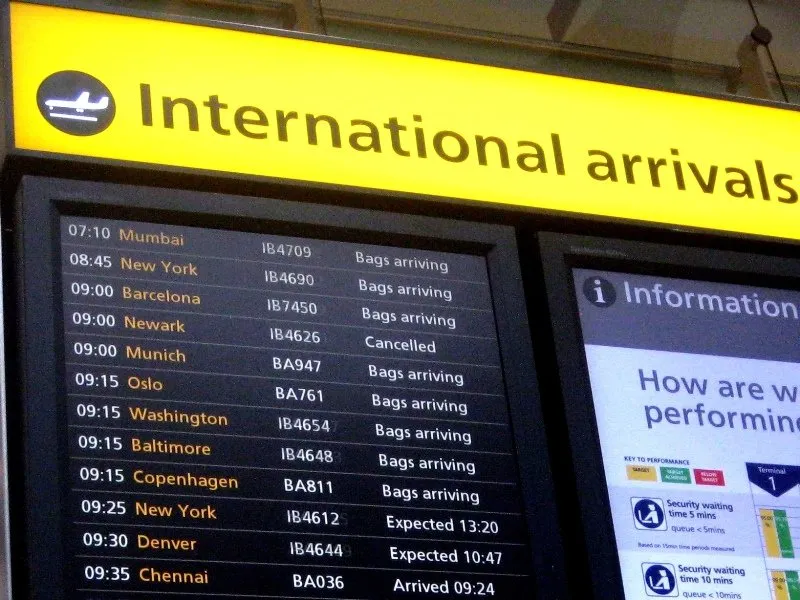 It's a bit more difficult for those who are abroad and don't know English well. Here's a small glossary to help you:
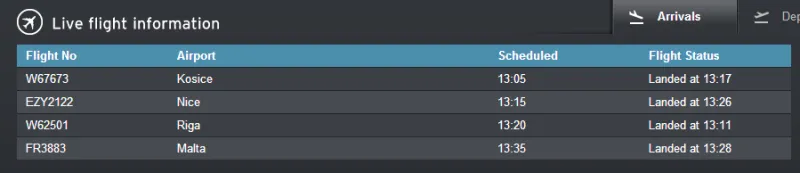
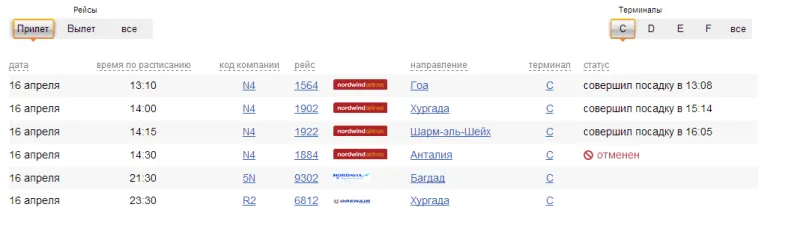 On foreign airport websites, this section might be:
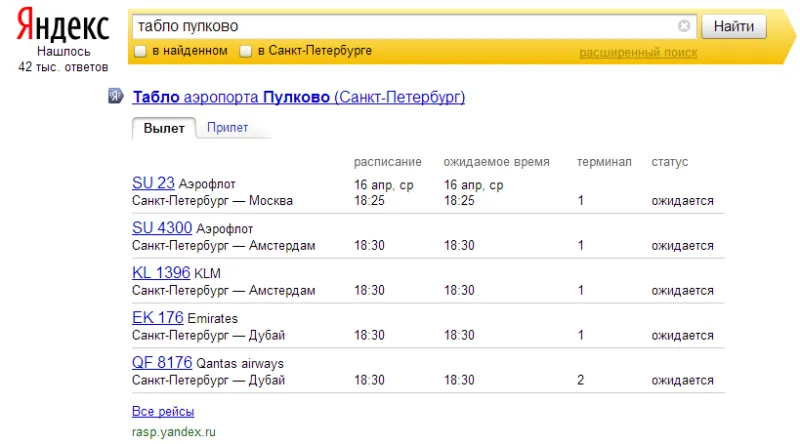
 You can quickly get information about the flight status and find out if the plane has landed using the Yandex.Schedules service.
To do this, simply enter "flight board + airport name" into the search bar, and you will get the necessary information directly on the search results page:
You can quickly get information about the flight status and find out if the plane has landed using the Yandex.Schedules service.
To do this, simply enter "flight board + airport name" into the search bar, and you will get the necessary information directly on the search results page:
 If you own a smartphone, there is a wide selection of phone applications that allow you to track not only the flight status but also its current location in real-time.
It's a bit more difficult for those who are abroad and don't know English well. Here's a small glossary to help you:
- Expected 13:20 - flight arrival is expected at 13:20
- Arrived 09:24 - flight arrived at 09:24
- Landed at 10:00 - flight arrived at 10:00
- Bags arriving - flight arrived, baggage claim in progress.
- Delayed - flight is delayed
- On Time - flight has not yet arrived, but is expected to arrive on time
- Cancelled - flight is cancelled
On foreign airport websites, this section might be:
- Flight Information
- Arrivals
- Departures - if you need to find out if the plane has departed
You can quickly get information about the flight status and find out if the plane has landed using the Yandex.Schedules service.
To do this, simply enter "flight board + airport name" into the search bar, and you will get the necessary information directly on the search results page:
If you own a smartphone, there is a wide selection of phone applications that allow you to track not only the flight status but also its current location in real-time.