Where to check how much baggage is included in the ticket?
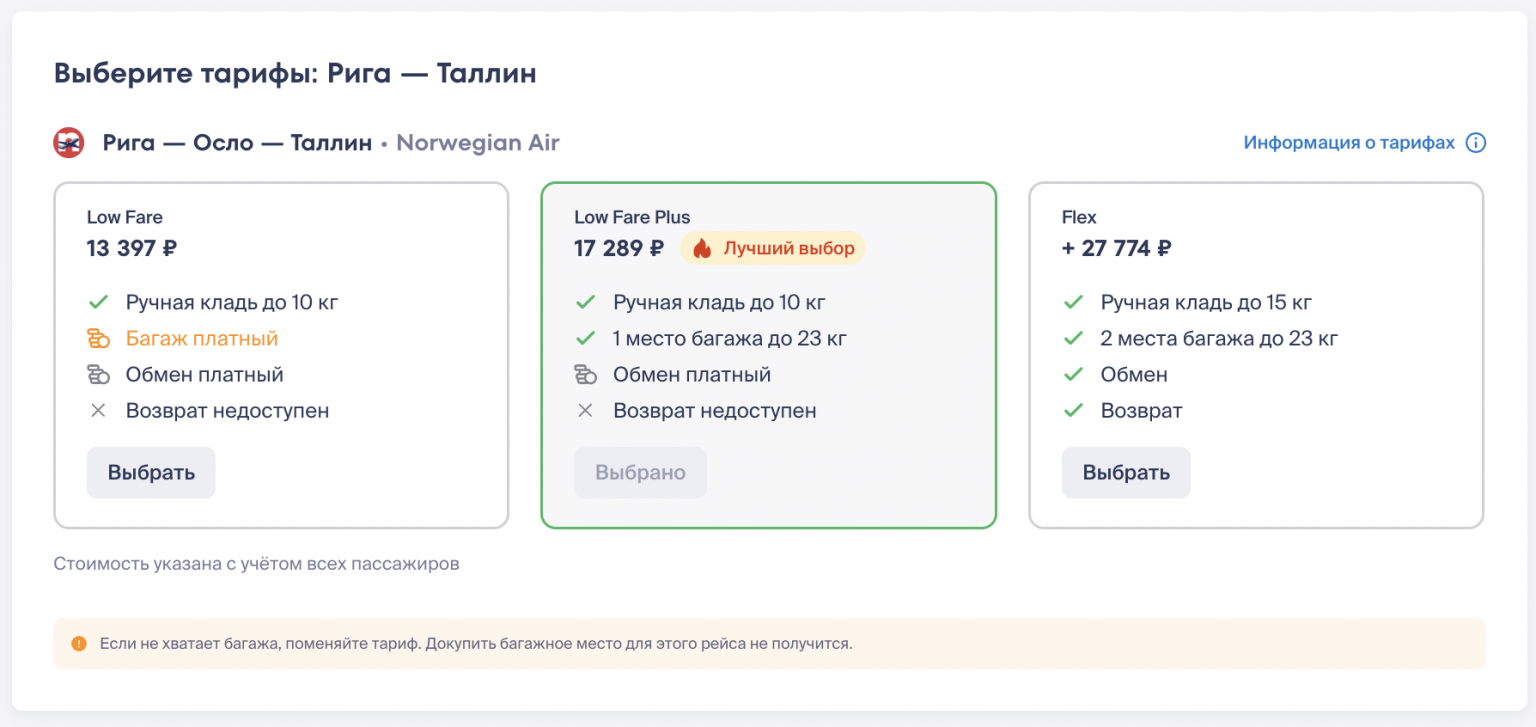
During the booking process, the baggage allowance is displayed in the fare conditions. Please note: a different allowance may be specified for each flight.
If you purchased a ticket with baggage included in the fare, after purchase, the baggage allowance will be indicated in your itinerary receipt. It may look like this:
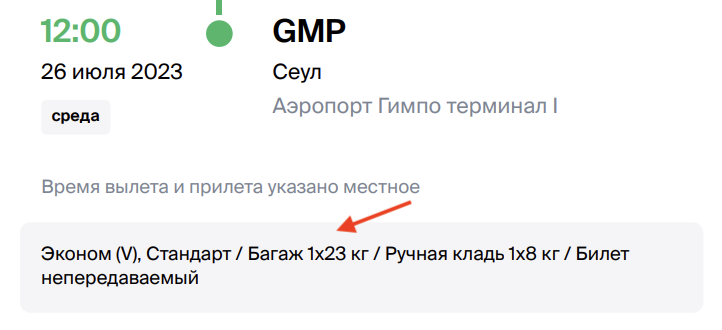

If the baggage allowance is indicated as 1PC, 2PC, etc. — this is the number of baggage pieces per person, while the weight of each suitcase must not exceed 23 kg, according to international standards.
We recommend checking the carry-on baggage parameters on the website of the airline operating your flight: both weight and maximum dimensions are specified there.
If you selected and paid for additional (excess) baggage during or after booking on Kupibilet, it will be indicated in the order details in your Personal Account.
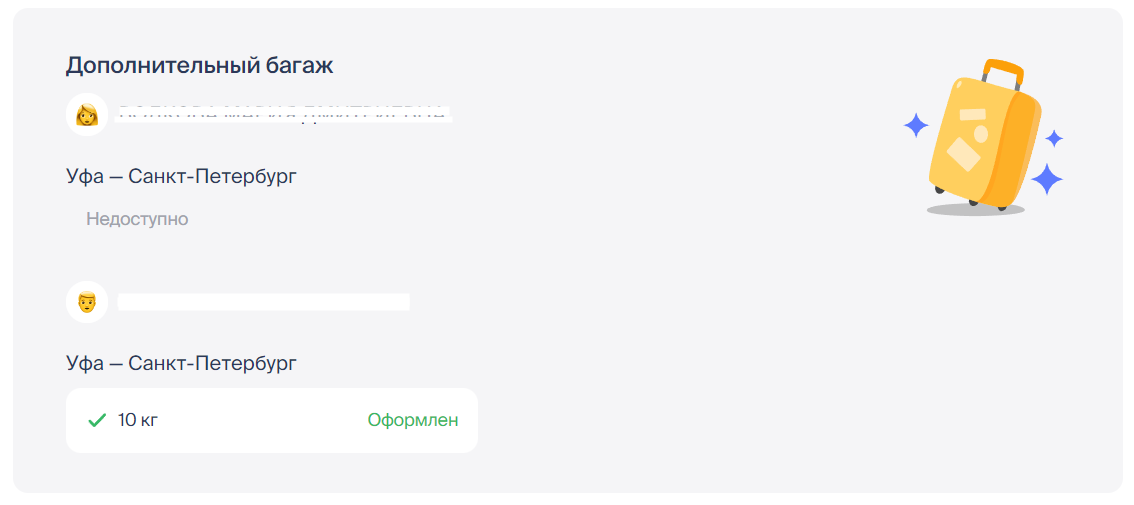
How to add baggage to an order during the booking process?
How to add additional baggage to an already purchased ticket?
If you added excess baggage to your ticket with the help of our specialist (via email or online chat), you can also use the airline's website to verify our actions.
On the airline's website, open the Manage Booking section (it may also be called My Orders, My Bookings, etc.), enter the booking number from your itinerary receipt, and other requested information. Often, you will need to enter the passenger's last name: please note that the first and middle names are not required to find the booking.
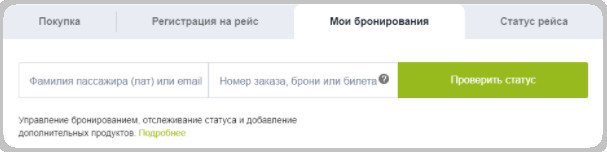
Once the order details open, you will be able to see all paid additional airline services, including added baggage.